documented effects and utilities
📺 Friendly multilateral video toolkit
Break, bend, repair & automate video.
Videobeaux turns focused programs into an artist-led video-processing system—from controlled datamoshing and frame stutter to conversion, extraction, compositing, and chainable workflows.
Built for artists by artists. Feed it an MP4, choose a program, and let the television do something useful—or wonderfully incorrect.

Not one effect. A whole strange workshop.
A real toolkit behind the mascot.
visual processing interface
chainable processing workflows
input-focused, practical operation
What does Videobeaux do?
Creative damage meets practical processing.
The documentation spans playful image destruction, repeatable editorial operations, media inspection, and automation. The landing page groups those programs by the outcome a user wants—not by a wall of filenames.
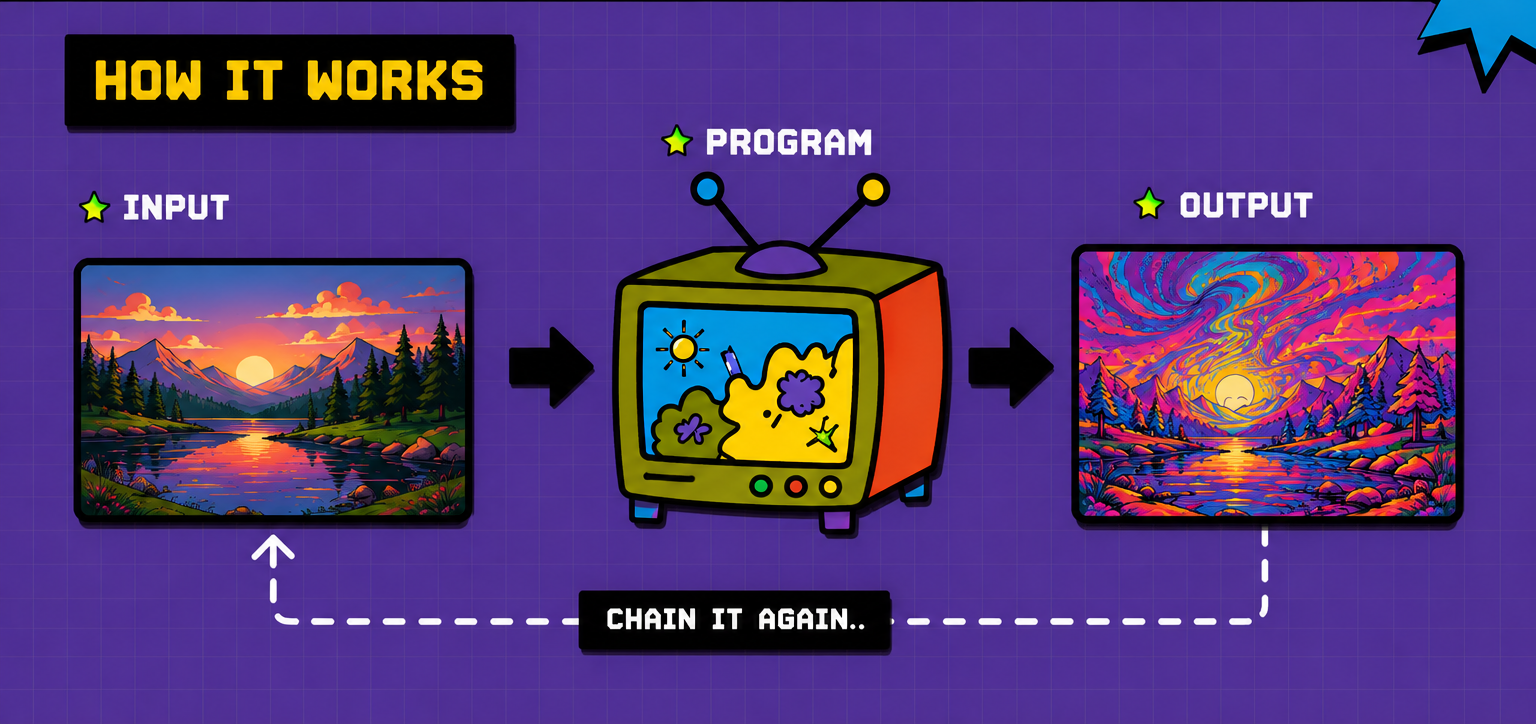
The process
Input. Program. Output. Chain it again.
Choose a program, adjust its settings, and connect it to your input and output.
Getting started
The shortest route from file to altered file.
Install
Download a desktop build from the project releases and follow its installation notes.
Choose
Browse the available programs and choose an effect or utility.
Process
Choose your input and output, then adjust the program settings as needed.
Chain
Connect one processed output directly to the next effect.
Working examples
See the original. See what came back.
The documentation includes a basic effect, a parameterized stutter process, and a three-stage chain. Select an example, then drag the slider to compare while both videos play or pause together.
Original
Processed
Choose the matching original below to compare both videos.
Installation
Put the toolkit on your computer.
Download an available desktop build and follow the installation notes for your platform.
Download an available macOS build from the project releases and follow its installation notes.
Download an available Windows build from the project releases and follow its installation notes.
Feed it a video. See what comes back.
Creative effects, practical utilities, and repeatable processing chains in one friendly toolkit.